Start With the Right File Type
For laser engraving, the cleanest results usually come from vector artwork. That means files where lines stay sharp at any size, rather than getting blurry when enlarged. If you are sending a logo, a line drawing, or a layout with names and dates, a vector file is the best starting point.
If you only have a photo or a low-resolution image, we can still work with it in many cases, but the result depends on the quality of the original. A small picture pulled from a social media profile or a screenshot from a phone often shows rough edges, extra background clutter, or text that is too soft to trace properly.
- Best: vector files such as AI, EPS, SVG or PDF with editable artwork
- Good: high-resolution PNG, TIFF or JPG for simple image-based marking
- Avoid: screenshots, WhatsApp forwards, screen grabs and tiny web images
- If possible, send the original source file rather than a file copied and saved many times
Keep Text Clear and Easy to Read
Names, job titles, dates and short messages should be checked carefully before you send them through. A laser can reproduce fine detail, but small lettering still needs enough space to read well on wood, acrylic, glass, leather or metal. Thin script fonts can look elegant on screen, then become difficult to read once engraved into a small item.
When preparing text, use full names exactly as they should appear, and double-check spelling, capital letters and line breaks. If you want a batch of items marked with different names, it helps to send the list in one tidy document instead of many separate messages. That reduces mistakes and keeps the layout consistent across the order.
- Use a font that stays readable at the final size
- Check spelling, initials and dates before approval
- Keep long messages short where possible
- Tell us if any words must stay in a specific case, such as all caps or title case
Size the Artwork for the Item Itself
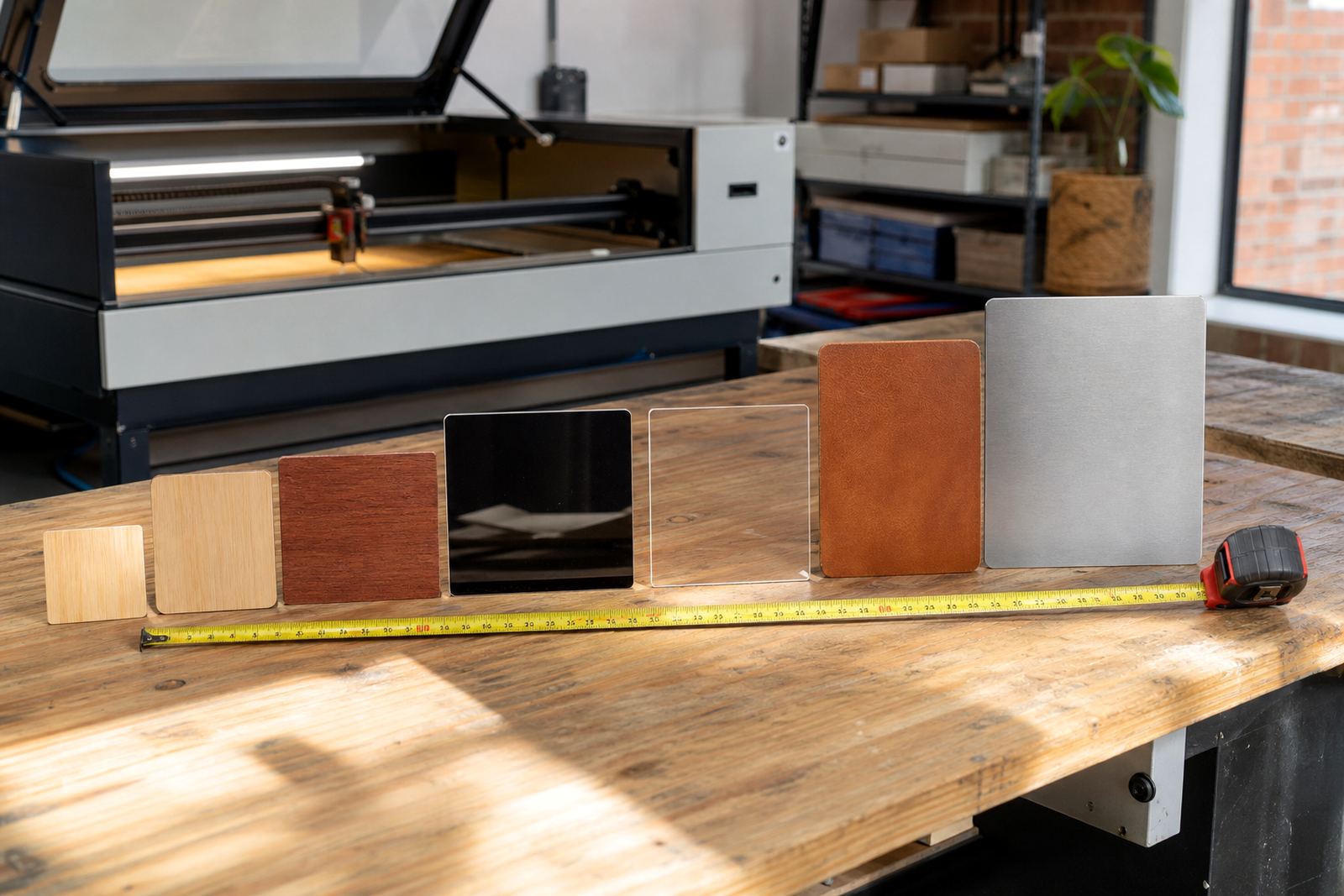
Artwork needs to suit the item it will sit on. A logo that looks fine on an A4 page may be too cramped on a pen, plaque, glass or key holder. Give us the item size, the engraving area and whether the mark should sit centred, aligned to one edge or repeated in a batch pattern. Clear measurements save guesswork and help us plan the layout properly.
For signs and product marking, size also affects visibility from a distance. A small business sign for a reception area in Pretoria East may need different proportions from a courier label plate or a branded gift item. If you are not sure, send the item dimensions and a quick note on where the engraving must appear, and we can advise on layout before production starts.
- Include overall item size and the exact marking area
- Say whether the artwork should be centred, left aligned or repeated
- Note if the piece is for indoor or outdoor use
- For signage, mention viewing distance where possible
Tell Us About the Material and Finish
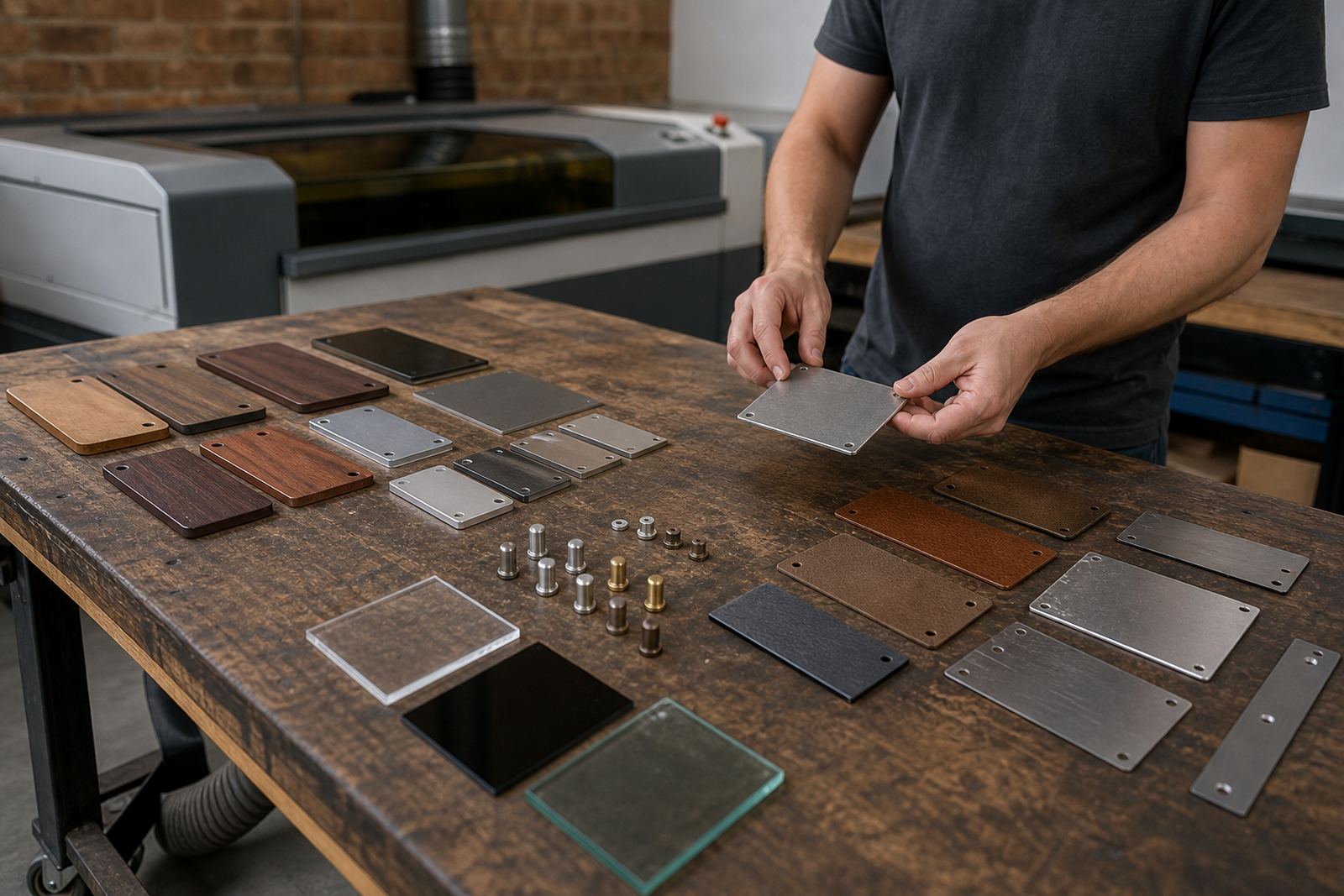
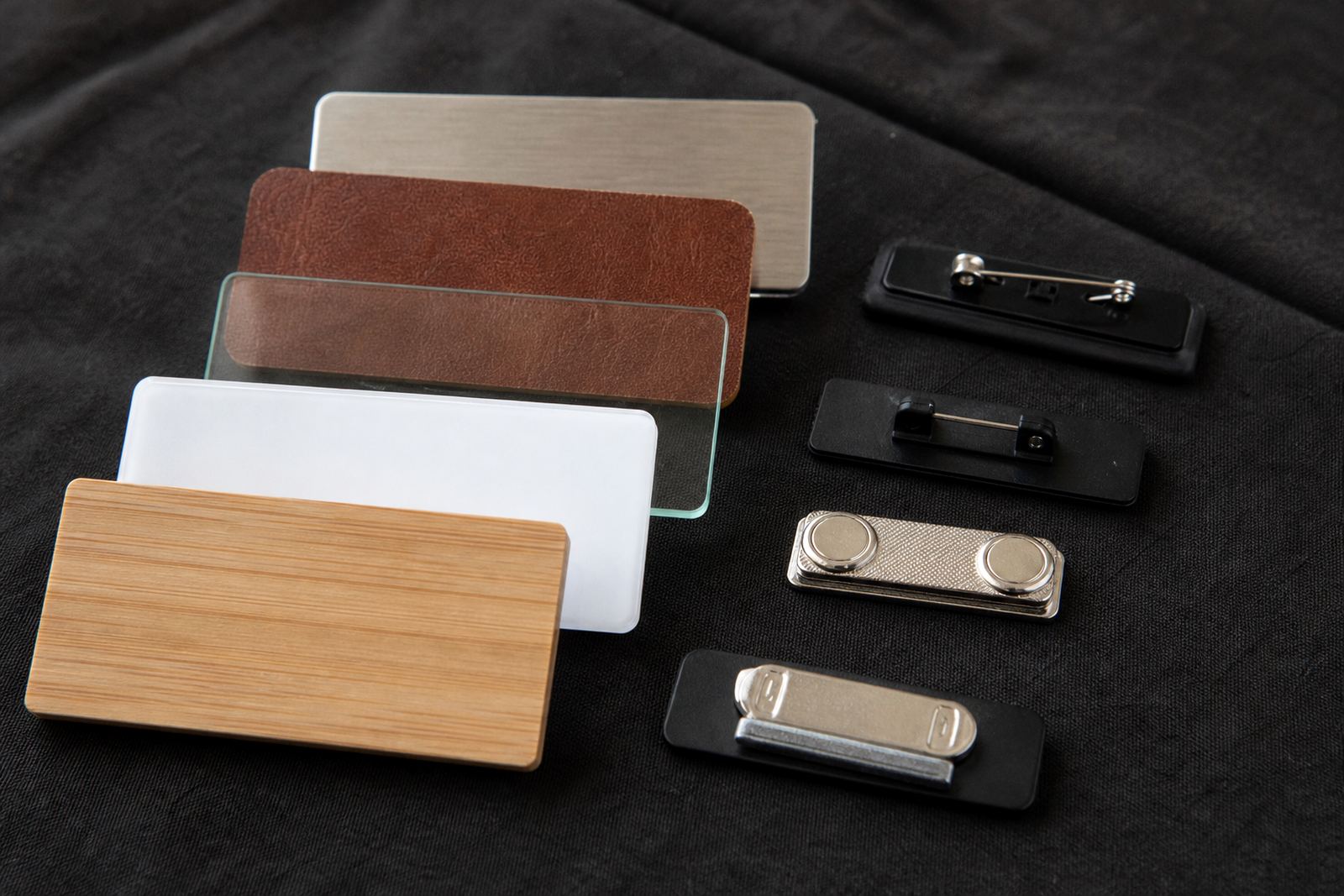
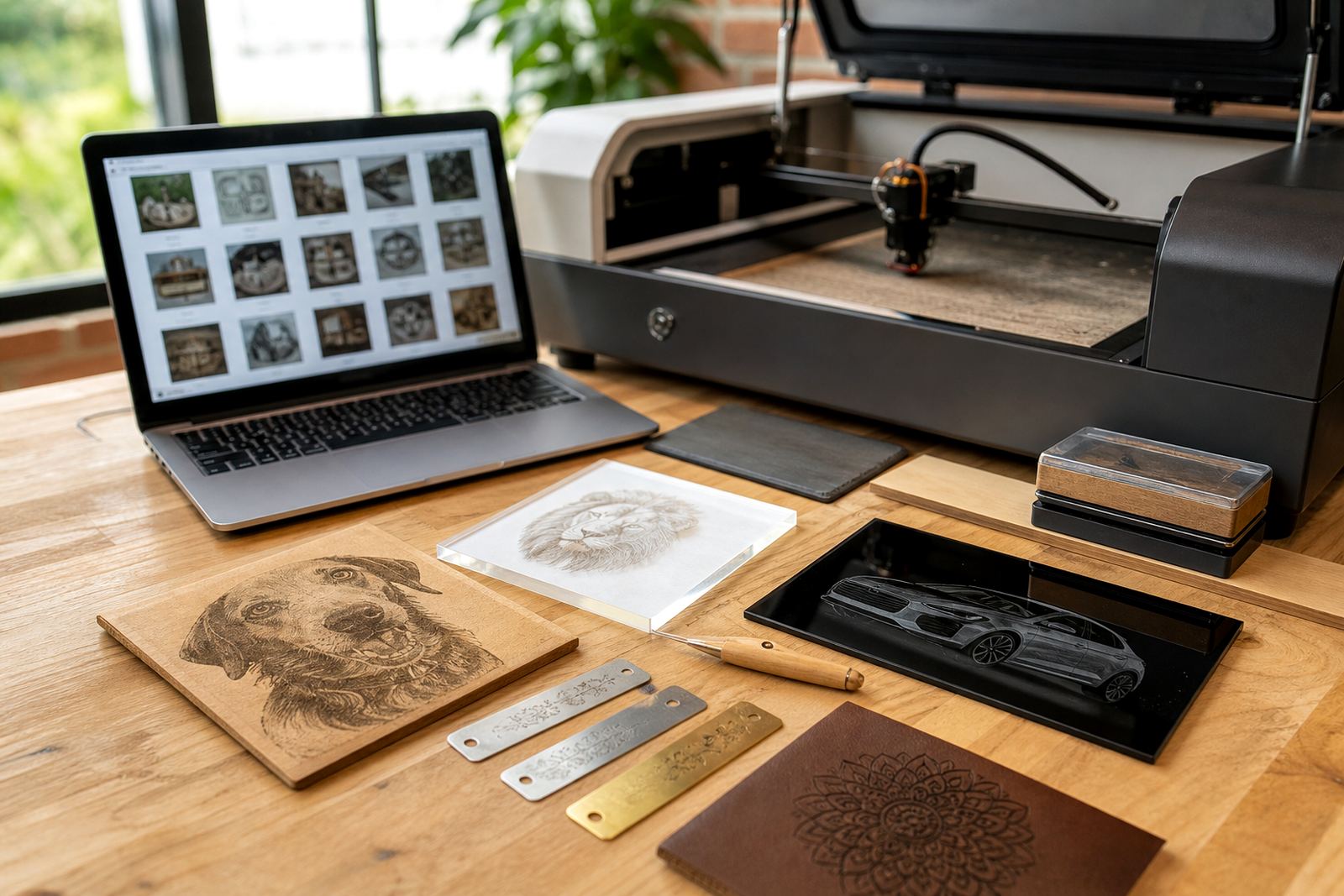
Different materials take engraving differently. Wood can show grain and small colour changes. Acrylic can engrave cleanly but may need careful planning where there are polished edges or backlighting. Glass can produce a frosted mark, while leather usually needs a lighter touch to avoid burning too deep. Metal varies by type and finish, so it helps to know whether the surface is brushed, coated, polished or anodised.
Good material information helps with depth, contrast and whether a logo should be engraved, marked lightly or filled later if needed. In Gauteng and coastal areas like Durban, humidity and handling conditions can also matter, especially for items that will be stored, transported or used daily. If the item will go into a busy work environment or a gift box, let us know that too so we can suggest a finish that suits the use.
- State the material clearly: wood, acrylic, glass, leather or metal
- Mention any coating, paint, lacquer or powder finish
- Say if the item will be handled often or exposed to moisture
- For outdoor signs, include weather exposure and mounting position
Prepare Logos, Artwork and Personalisation Lists Properly
If you are sending a logo, use the cleanest version available and remove unnecessary background elements. A logo with a white box around it, extra shadows or faded edges often needs more correction before engraving. For line drawings, diagrams or icons, make sure all strokes are clear and not broken into tiny fragments.
For batch personalisation, a neat spreadsheet or text list works well. Separate the names, order numbers or variants in a simple format so they can be matched correctly during setup and dispatch. If you need multiple versions of the same job, such as different branches or departments, say so upfront. That saves confusion later and helps with reorder matching if the same item is needed again.
- Send one final approved logo file, not several versions
- Remove background clutter if it is not part of the design
- Use a simple list for names, references or serial numbers
- Label files clearly, for example project name plus item type
Proofs, Corrections and Approval Before Production
Once we have your artwork, the next step is checking the proof. This is where layout, spelling, placement and spacing are confirmed before engraving starts. A proof is the best time to catch a missing accent, a wrong phone extension, a date that needs changing, or a logo element that should be moved slightly for better balance.
On proof approval, try to give one clear response with all changes together rather than sending corrections in stages. That keeps the job moving smoothly and avoids confusion. Our team in Wapadrand, Pretoria East handles artwork setup, logo redraw, font selection, file conversion and packaging prep, so the earlier the details are confirmed, the easier it is to keep everything tidy from production to courier delivery across South Africa.
- Check spelling, spacing and alignment on the proof
- Confirm the final size and placement
- Reply with all corrections in one message if possible
- Approve only when every detail is right
Final Checklist Before You Send Your File
Before you submit, take a minute to go through the artwork one last time. A few small checks can prevent delays and make the engraving look cleaner on the finished item. This is especially useful for repeat orders, corporate gifts and sign work where consistency matters from one item to the next.
If you are sending files from Pretoria, Centurion, Midrand, Johannesburg or Durban, the same basics apply: send a clear file, give the right measurements, and note the material and finish. Thabo Abrahams and the LightBurn Engraving team work with signs, gifts and product marking every day, so a well prepared file makes the whole process quicker and easier for everyone.
- Is the file clear and the best version available?
- Are all names, dates and spellings correct?
- Have you included size, material and quantity?
- Did you note any special placement or mounting requirement?
- Is the artwork ready for proof approval?