Why a good file can still give a poor result
Many clients send a logo, a name or a layout that looks fine on screen, then the first sample shows thin lines, missing details or text that is too small to engrave cleanly. That is normal. A screen view does not show how a laser will respond to different line weights, fills, contrasts or layered artwork. On wood, for example, a very fine script can close up slightly in the grain. On brushed metal, a low contrast mark may disappear unless the artwork is adjusted for the finish. On glass, heavy detail can become hard to read if the design is overcrowded.
Before the machine starts, our Wapadrand, Pretoria East team checks supplied artwork because the source file often needs a few practical changes. That may mean cleaning up logos, converting text to outlines, adjusting spacing, or setting the mark for a specific item size. It saves time, reduces waste and helps avoid a second round of cutting or engraving after the first sample. It also matters for batch work, where one small error gets repeated across many pieces.
Thabo Abrahams and the team see this often with signs, gifts and product marking for businesses across Pretoria, Centurion, Midrand and Johannesburg. A file that works for social media or a printed flyer is not always fit for laser production, so we treat artwork review as part of the job, not an extra.
What gets checked before production starts
Before engraving starts, the artwork has to be matched to the material and the item size. That is where Artwork Setup, Logo Redraw and Layout Planning become important. We look at the shape of the object, the available marking area and whether the artwork has enough clean detail to hold up on wood, acrylic, glass, leather or metal. If the job is for a small gift, a detail that works on a large sign may simply be too fine. If it is for product marking, the layout must be consistent enough for repeat use.
- File format and image quality, especially where the original is low resolution
- Text clarity, spacing and whether fonts need to be replaced or converted
- Line thickness and small details that may vanish in production
- Size fit, including margins, placement and alignment on the item
- Colour use in the file, since engraving responds to contrast rather than print colours
- Whether the design needs proof approval before the first run
Ayesha Zwane in Client Services often starts by asking what the item is made from, where it will be used and how it should look after marking. That simple check prevents a lot of back and forth. It also helps with Material Guidance and Size Planning, especially when clients are choosing between signage, branding pieces or personalised gifts for a school, shop or event.
How different materials change the artwork
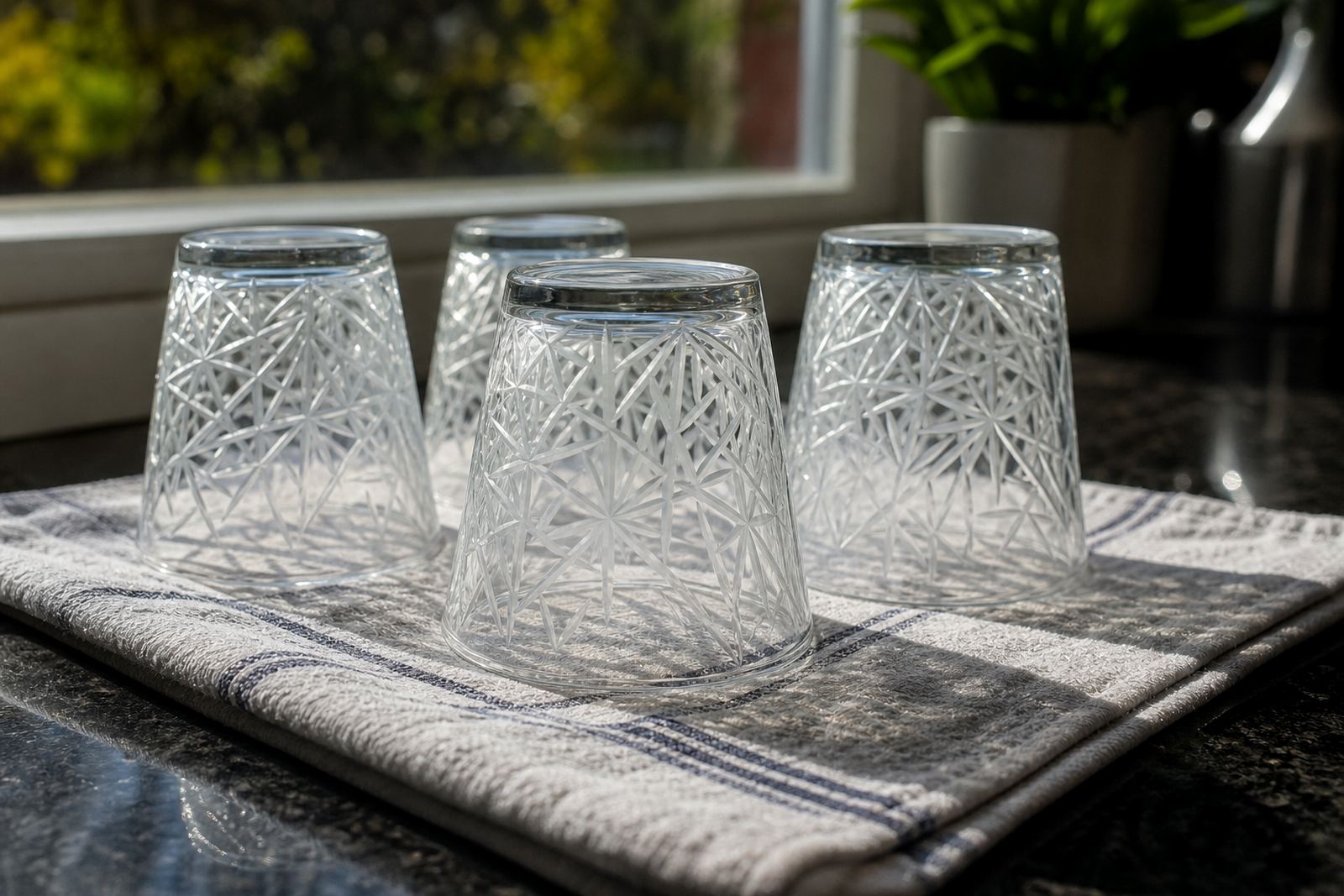
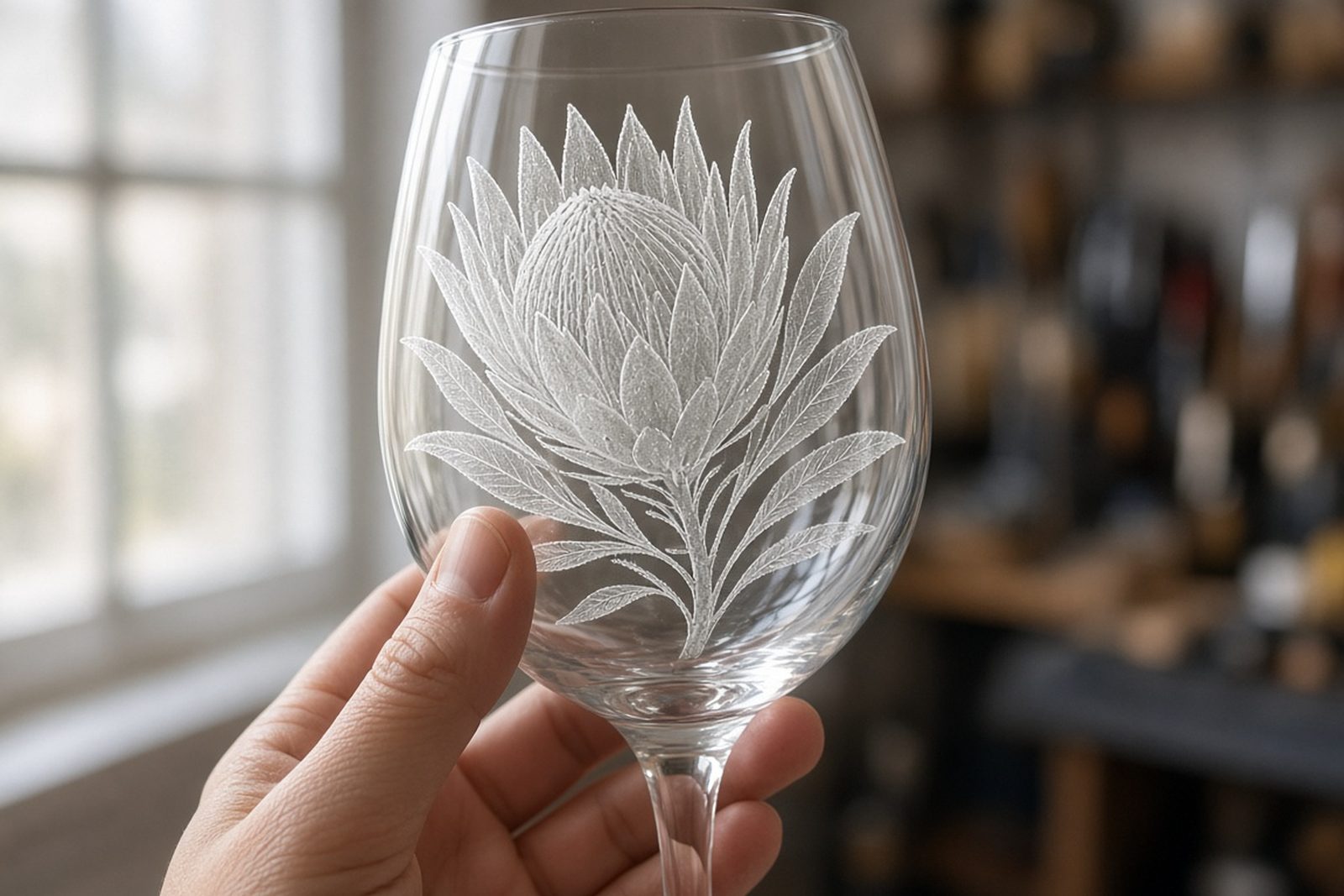
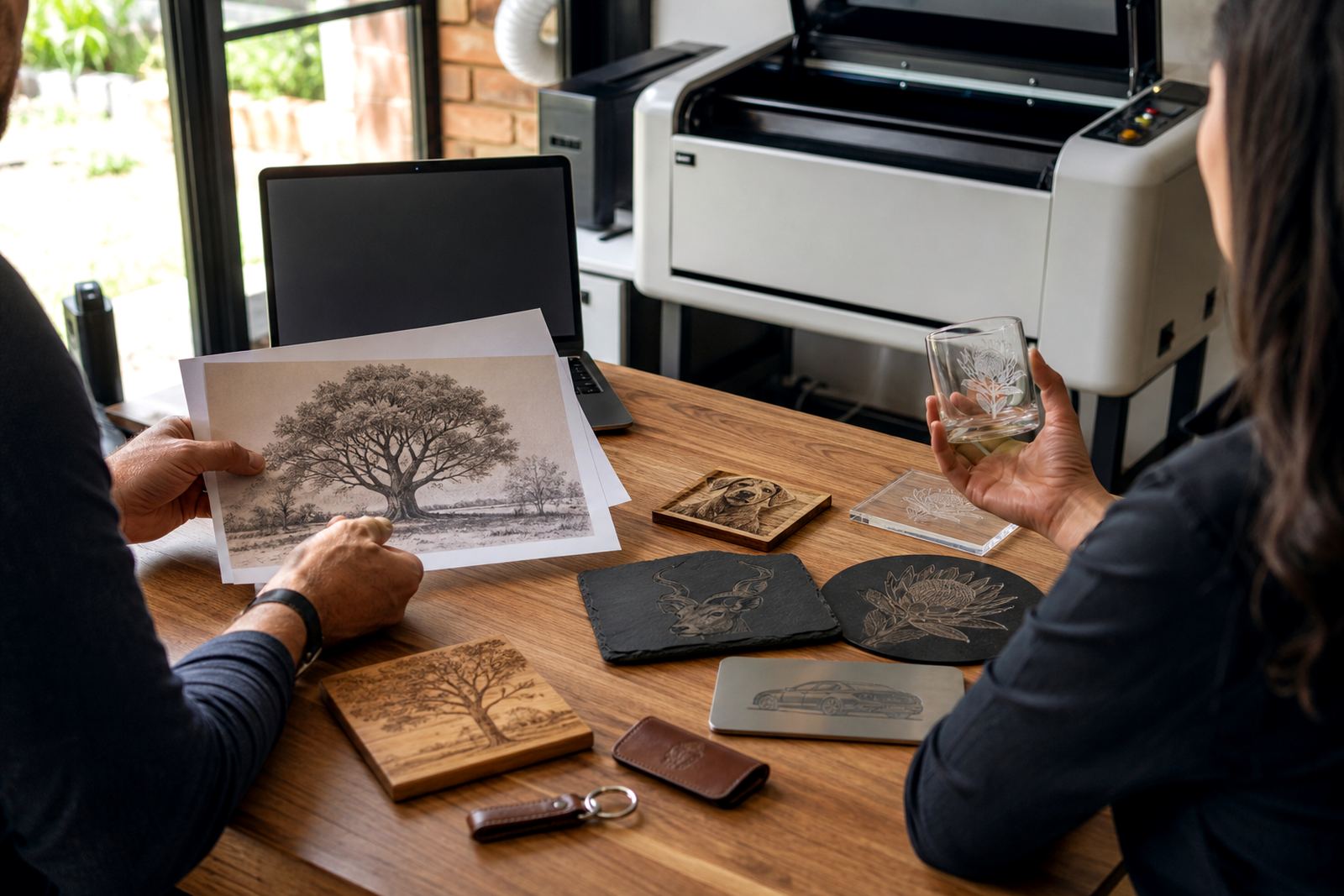
Each material asks for a slightly different approach. Wood takes engraved detail well, but the grain and natural variation can change the way fine lines appear. Acrylic is cleaner and more uniform, which suits crisp logos and simple layouts, though deep contrast depends on the exact type of sheet and finish. Glass can produce a refined effect, but artwork with too many tiny elements may look crowded once engraved. Leather often works well for names, monograms and simple logos, but heavy fill areas can feel less even than a line-based design. Metal is versatile, yet surface type matters a great deal. Polished, brushed and coated metal each respond differently.
That is why Reorder Matching and File Conversion matter for returning clients. A design that worked well on one material may need a fresh setup for another. If the original artwork is not in a usable format, the team can rebuild it so the mark stays true to the brand or message without forcing the machine to guess at the detail.
- Wood: best for clean lettering, strong contrast and visible grain character
- Acrylic: suited to sharp logos, product labels and neat signage
- Glass: works best with clear spacing and moderate detail
- Leather: ideal for names, initials and simple branding marks
- Metal: needs careful setup for the finish and the intended use
Why proofing protects both the client and the job
Proof Approval is more than a formal step. It gives the client a chance to check spelling, layout, placement and size before production begins. A missing full stop, a date that is off by one digit, or a logo that sits too close to an edge can all turn a useful piece into a costly rework. In engraving, small errors are very visible because the mark is permanent. There is no easy undo once the laser has done its work.
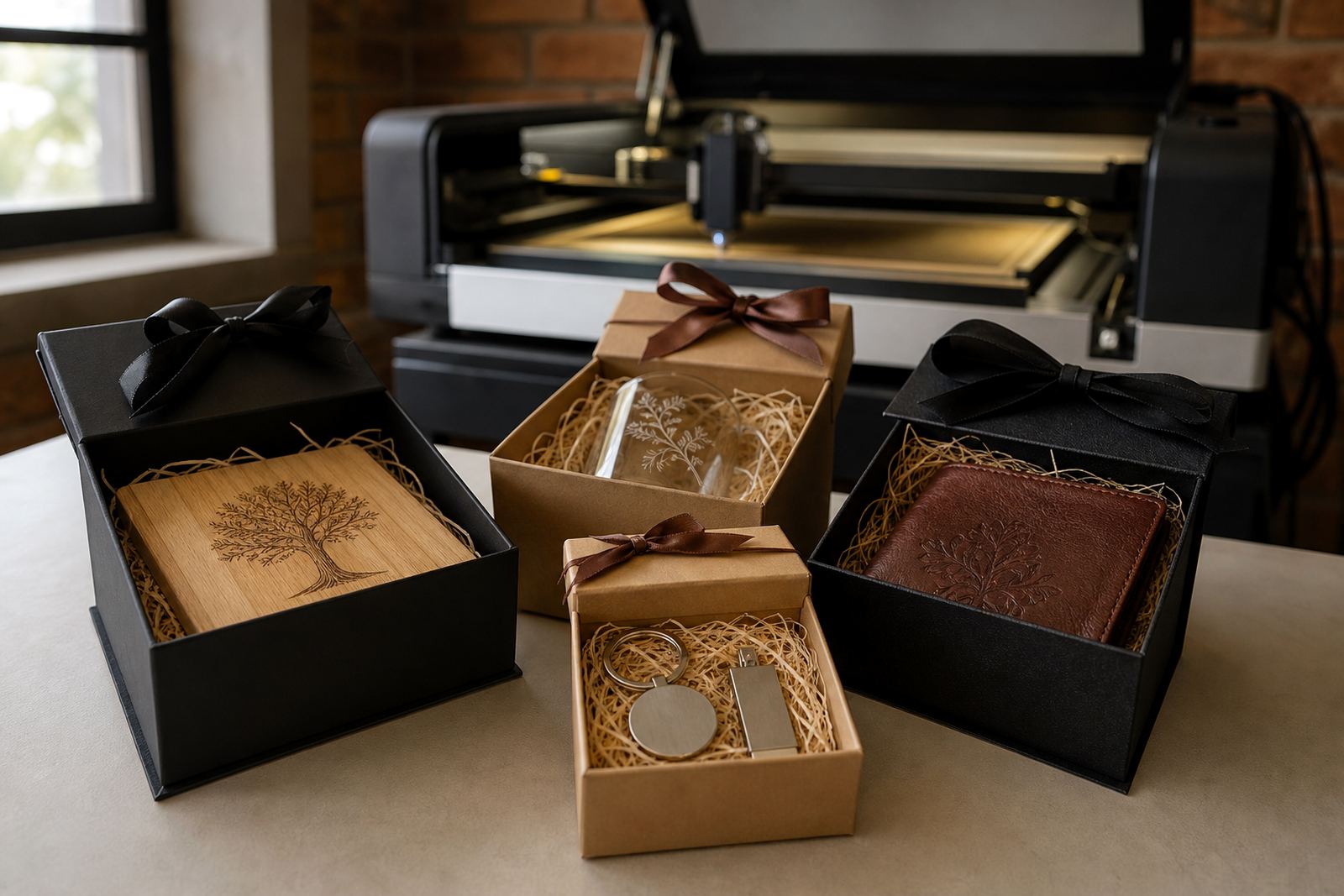
For businesses in Pretoria, Johannesburg or Durban, proofing is especially useful when the work is for customer-facing items such as reception signs, retail labels, awards or staff gifts. If the piece will be mounted or packed for courier delivery, the approved layout also helps with Mounting Options and Packaging Prep. The final item then arrives ready to use, rather than needing extra trimming or adjustment at the other end.
When every job is queued carefully, approved artwork means the team can move steadily through the run without stopping to correct something that should have been caught earlier.
A Pretoria East example: one logo, three uses
A local business in Pretoria East might come in with one logo and want it used on a shop sign, a set of client gifts and a batch of product tags. The logo may look straightforward, but each use asks for a different setup. The sign may need a larger layout with stronger spacing. The gifts may need a smaller mark with simplified detail. The product tags may need consistent placement so every piece matches the next one. If the same file is sent straight into production for all three, one of those items is likely to lose clarity.
In a case like that, Sipho Hendricks handles the artwork adjustment while Johan Hadebe checks how the job will run on the laser, and Lindie Lombard makes sure the finishing and dispatch side is ready for collection or courier. The result is not a one-size-fits-all approach. It is a practical setup matched to the job, the material and the way the item will be used. That matters just as much for a single gift as it does for a full batch.
What clients can send to make the process smoother
The easiest files to work with are clear, complete and accurate from the start. Even if the artwork still needs checking, a good source file gives the team a better base to work from. Clients often send a logo, text, a sketch, a photo of an existing item, or a layout idea. From there, the job can be set up for engraving, and the team can advise on whether the design needs redraw work, font changes or spacing adjustments.
If you are sending artwork for signs, gifts or product marking across Pretoria East, Centurion, Midrand, Johannesburg or Durban, it helps to include the intended material, the final size and how many pieces are needed. That gives the team enough information to plan the job properly and avoid guesswork. LightBurn Engraving works through the enquiry form on the contact page, with clients then guided through artwork setup, material guidance and the approval step before production starts.
- Send the clearest version of the logo or text you have
- Include the size of the item or the marking area
- Say whether the job is for a sign, gift or product label
- Note the material if it is already chosen
- Tell the team if the job needs matching to an earlier order
When artwork is checked properly at the start, the finished engraving looks cleaner, reads better and suits the material it was meant for.